
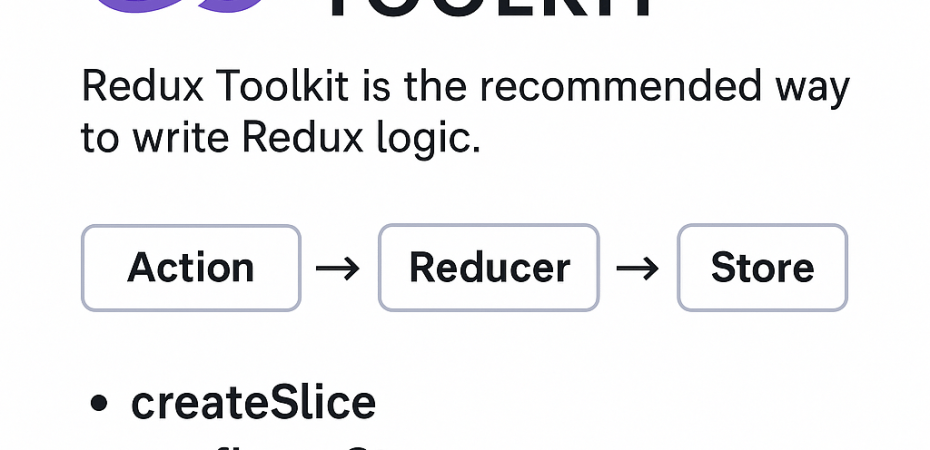

Redux Toolkit – The Modern Way to Use Redux
Redux Toolkit (RTK) is the official, recommended approach for writing Redux logic. It simplifies setup and reduces boilerplate while still providing all the power of Redux.
Why Use Redux Toolkit?
| Classic Redux Problems | Redux Toolkit Solutions |
|---|---|
| Too much boilerplate | createSlice, configureStore simplify code |
| Manual action types, creators | Auto-generated actions |
| Verbose reducers | Immer-powered mutable logic |
| Async logic is complex | Built-in createAsyncThunk |
Key Features
configureStore()– Sets up the store with good defaultscreateSlice()– Combines reducer + actions in one filecreateAsyncThunk()– Handles async logic (like API calls)- DevTools, middleware, and TypeScript support built-in
Structure of Redux Toolkit
/store
  ├── index.ts            # configureStore
  └── features/
      └── counterSlice.ts # createSlice (reducers + actions)
Quick Example
1. Install Redux Toolkit
npm install @reduxjs/toolkit react-redux
2. Create a Slice
📁 store/features/counterSlice.ts
import { createSlice } from '@reduxjs/toolkit';

const counterSlice = createSlice({
  name: 'counter',
  initialState: { value: 0 },
  reducers: {
    increment: state => { state.value += 1 },
    decrement: state => { state.value -= 1 },
    addAmount: (state, action) => { state.value += action.payload },
  }
});

export const { increment, decrement, addAmount } = counterSlice.actions;
export default counterSlice.reducer;
3. Configure the Store
📁 store/index.ts
import { configureStore } from '@reduxjs/toolkit';
import counterReducer from './features/counterSlice';

export const store = configureStore({
  reducer: {
    counter: counterReducer
  }
});

export type RootState = ReturnType<typeof store.getState>;
export type AppDispatch = typeof store.dispatch;
4. Provide the Store
In pages/_app.tsx (Next.js) or index.tsx (CRA):
import { Provider } from 'react-redux';
import { store } from '@/store';

export default function App({ Component, pageProps }) {
  return (
    <Provider store={store}>
      <Component {...pageProps} />
    </Provider>
  );
}
5. Use in Component
import { useSelector, useDispatch } from 'react-redux';
import { RootState } from '@/store';
import { increment } from '@/store/features/counterSlice';

const Counter = () => {
  const count = useSelector((state: RootState) => state.counter.value);
  const dispatch = useDispatch();

  return (
    <div>
      <h2>Counter: {count}</h2>
      <button onClick={() => dispatch(increment())}>+</button>
    </div>
  );
};
Async Example: createAsyncThunk
export const fetchUser = createAsyncThunk(
  'user/fetchUser',
  async (id: string) => {
    const response = await fetch(`/api/users/${id}`);
    return response.json();
  }
); Code Help by Asmi